These instructions are for the paid, subscription-only version of the Steve Dahl Podcast. We also have instructions for listening to the free version of the podcast via the web.
Steve Dahl Official Website
To listen to the private feed of the Steve Dahl Podcast via our official website in your browser:
1. Navigate to www.dahl.com and click on “Sign In”.
2. Next, enter your credentials to login to your account.
3. Click on the “Podcasts” link in the website navigation.
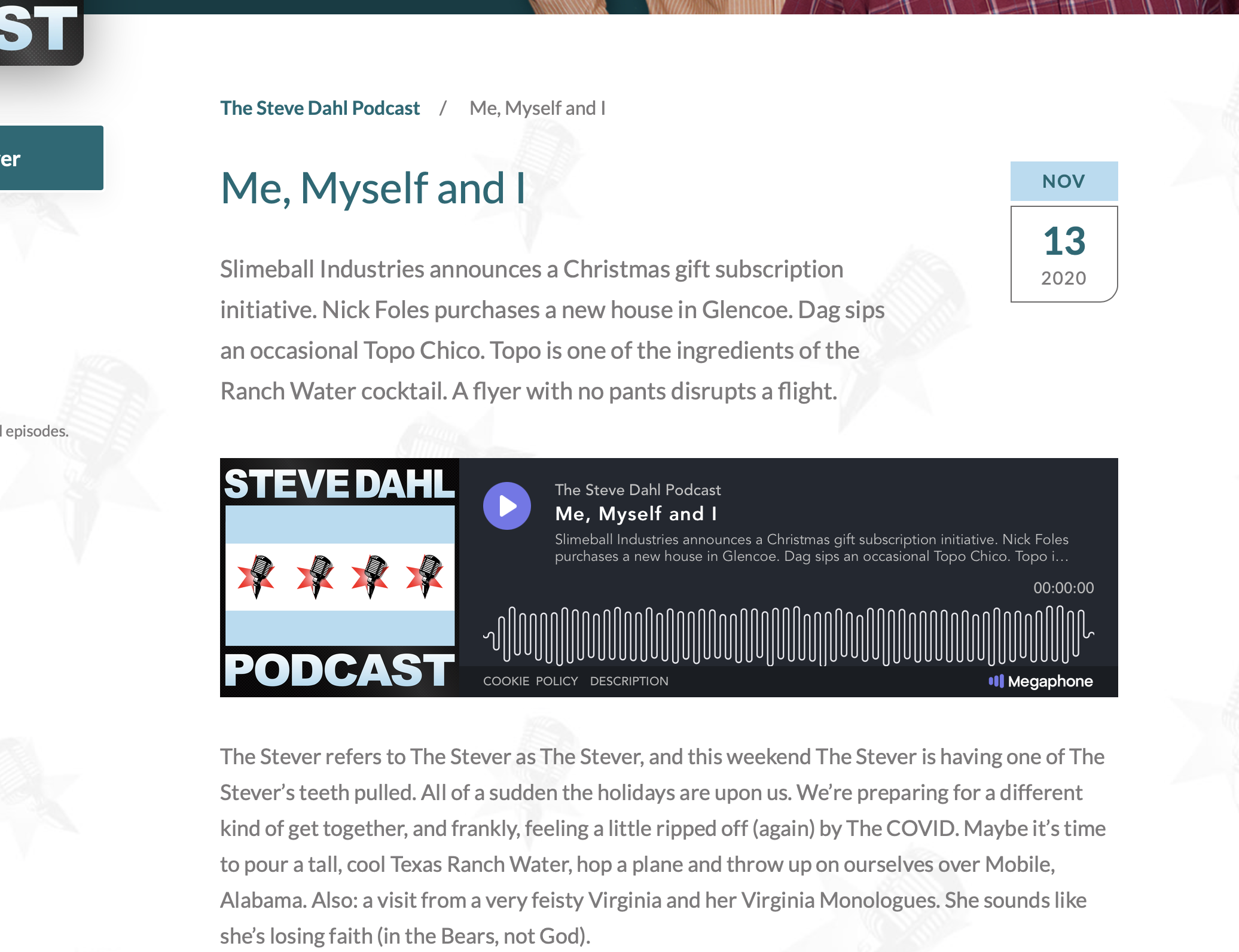
4. Click on the podcast episode you'd like to listen to. You'll see the embedded player is now available for in-browser listening.
Issues listening on website
Sign out of the Steve Dahl website (using Sign out in the header) and sign back in at www.dahl.com using the Sign In button. You can choose the emailed sign-in link, which is the default option, or use a password if you have one set. If you do not remember your password, use the password reset link on the sign-in page.
Try the page again in another browser, such as Google Chrome, Safari or Firefox.
Clear your browser cache and cookies.
If you are using a phone, try the same link on a computer or tablet.
Website sign in issues
Confirm you are signing in with the email address tied to your paid membership.
If you do not remember your password, use the password reset link on the sign-in page or choose to have a link emailed to you.
After signing in, return to or refresh https://www.dahl.com and try listening to the podcast in your browser again.
If you're still having trouble, send the page or link, your browser, device type, and a screenshot of the error.
YouTube Music
You must have a YouTube or YouTube Music account in order to continue.
1. Get your private RSS feed URL by logging into the Steve Dahl website and copy the RSS feed link located under "paste this link into your podcast player".
2. Navigate to YouTube Music via your browser.
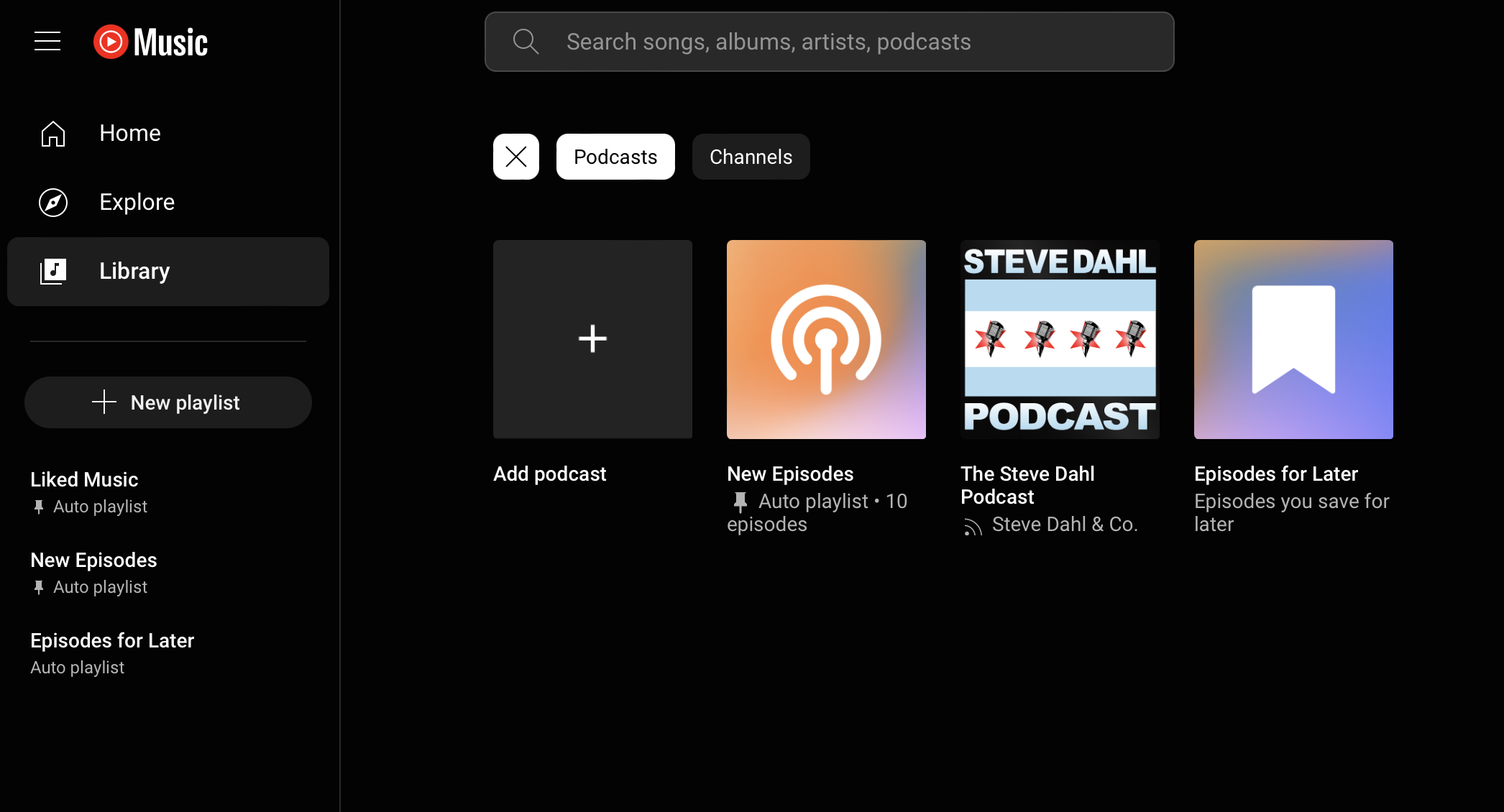
3. Click Library in the left navigation.
4. Click Podcasts in the top navigation.
5. Click Add Podcast > Add RSS feed.
6. Paste the RSS feed you copied in Step 1 into the box and click Add.
7. Click the refresh button in your browser and you should now see Steve Dahl Podcast in your library.