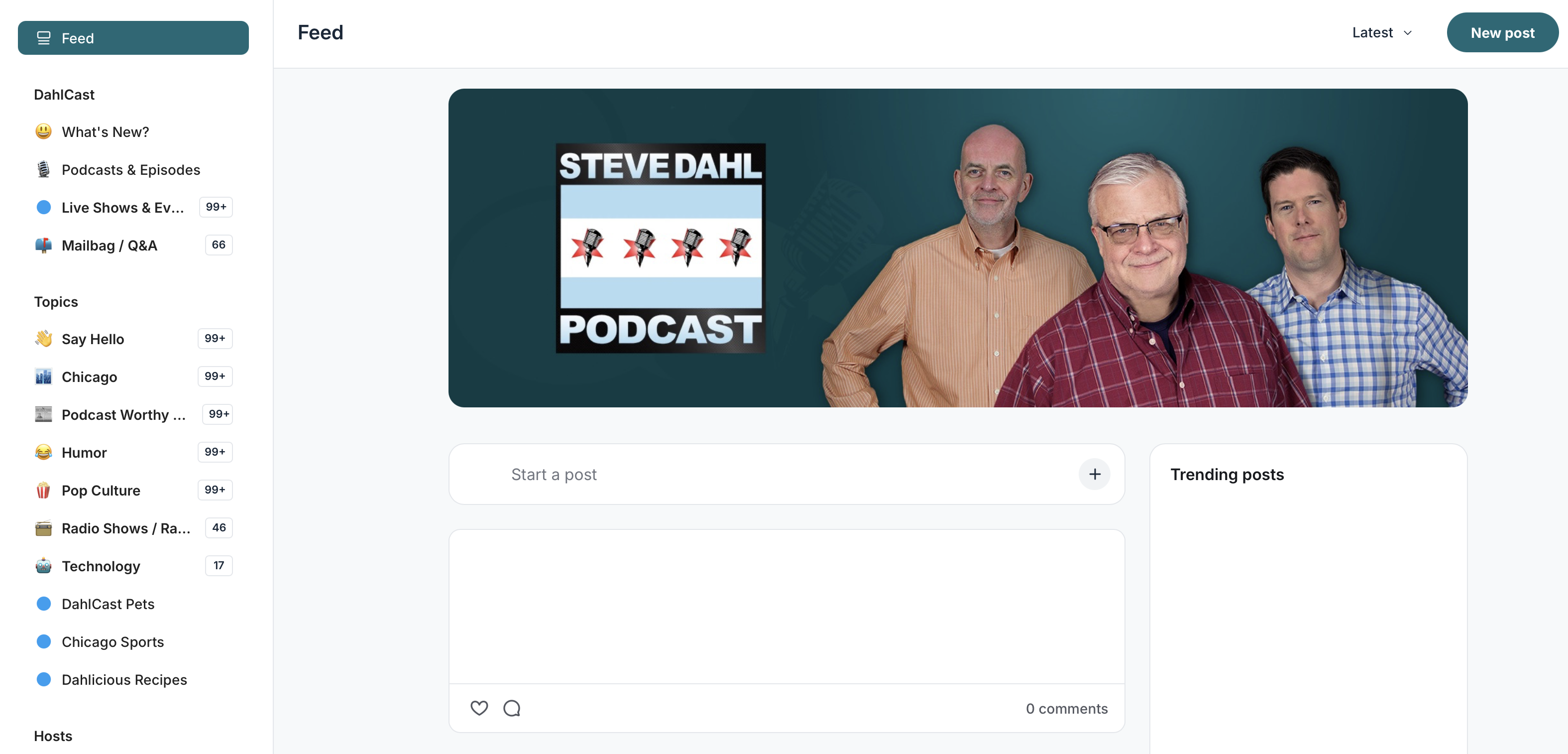

Discuss your favorite podcast episodes, current events, media, technology and more with DahlCast subscribers in the Steve Dahl membership community.
Sign in to the Community
Sign in to your Member Dashboard at www.dahl.com by choosing Sign In. You'll need to have an premium Steve Dahl active membership in order to sign in. (Learn how to become a member)
After signing in, you'll be taken to your Member Dashboard page.
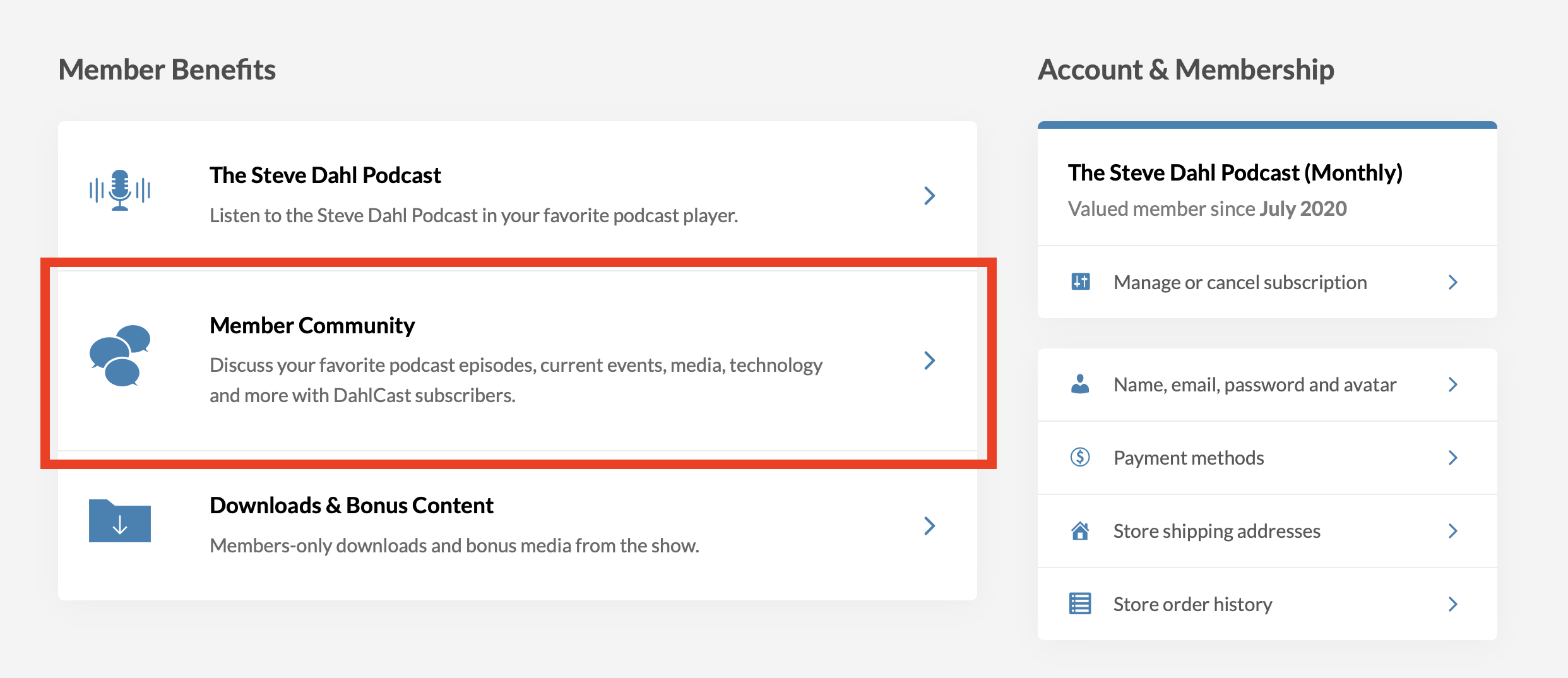
Under Member Benefits, click on Member Community. From there, you'll be asked to set up your profile and can browse our growing list of discussion topics.
Access the Community Quickly
You can always access the community directly from your Member Dashboard. However, there's a few other ways to get to the community even more quickly.
If you're asked to sign in again, remember to use your membership email address.
From Browser: Bookmark https://community.dahl.com in your internet browser of choice.
Desktop users: Download the Circle desktop app (Circle powers our membership community)
Mobile users: Download the Circle mobile app (Circle powers our membership community)