The premium Steve Dahl Podcast is available exclusively to paid members through a members-only link. You'll get access to your private subscription link after subscribing to the podcast and signing in to our website.
Because it's a private link, you won't find the premium podcast by searching or browsing in your podcast app (you'll only find the free version of the podcast there).
How to Sign Up
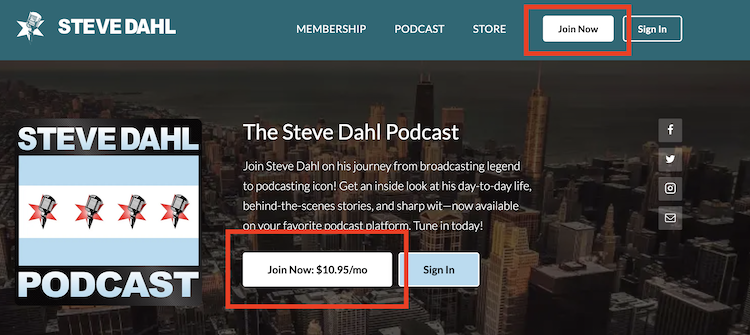
Go to www.dahl.com in your internet browser (on your smartphone or computer) and click on the “Join Now” button.
Enter your payment information and click on “Place your order".
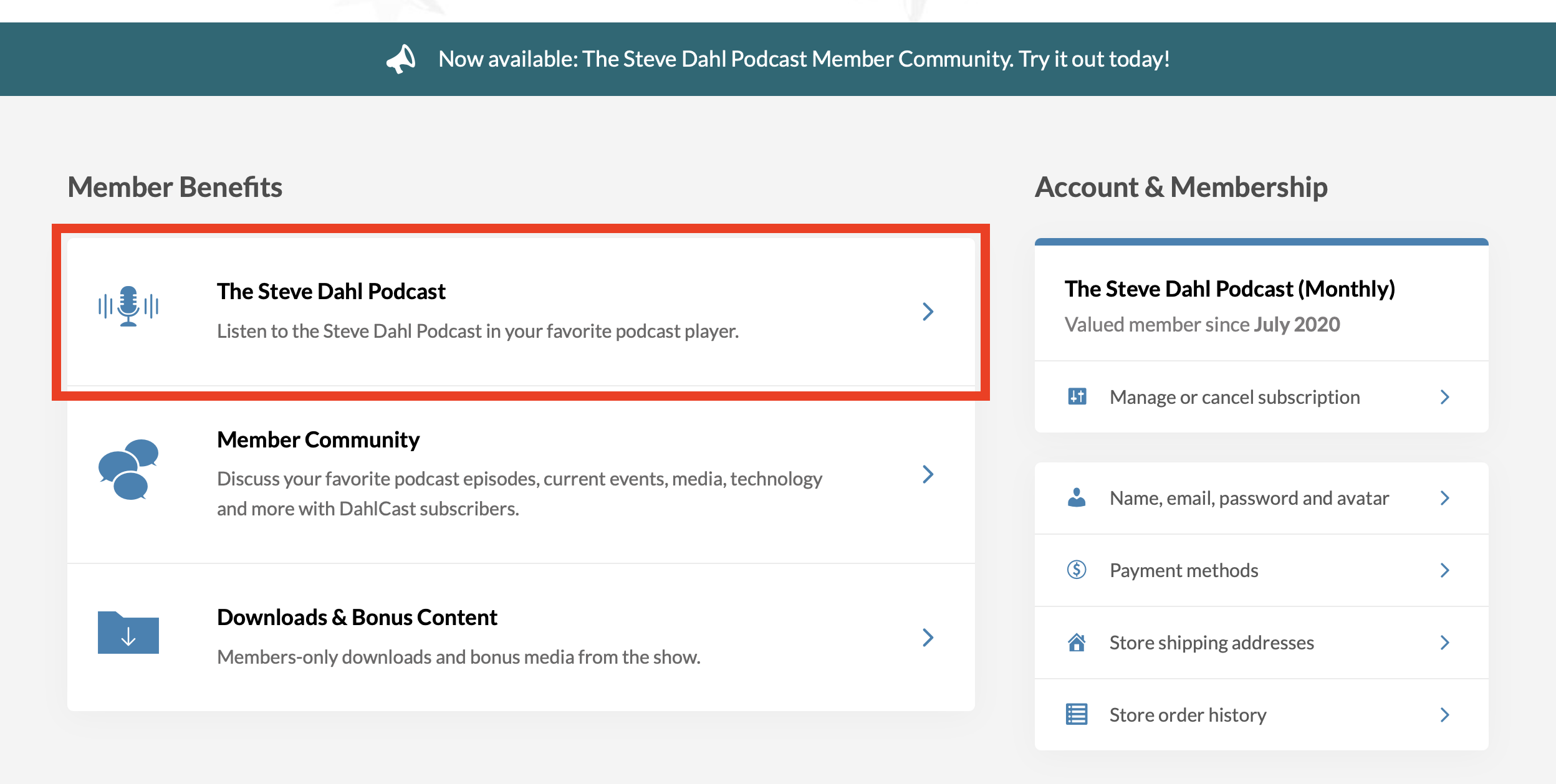
You'll be signed in to your Member Dashboard and able to add the podcast player to your player of choice from the Member Benefits section.
If you’d like to learn more about adding the podcast visit this article for instructions for your particular device, operating system and podcast player.