Note: Google Podcasts migrates to YouTube Music on April 2, 2024. If you're already subscribed to the podcast in Google Podcasts, learn how to migrate to YouTube by exporting your podcast feeds.
From smartphone
1. Install the App. If you haven't installed the app yet, first open the App Store on your device and search “YouTube Music.” Next, click “Install.” Open YouTube Music after it has finished downloading and follow the steps below to subscribe on your device.
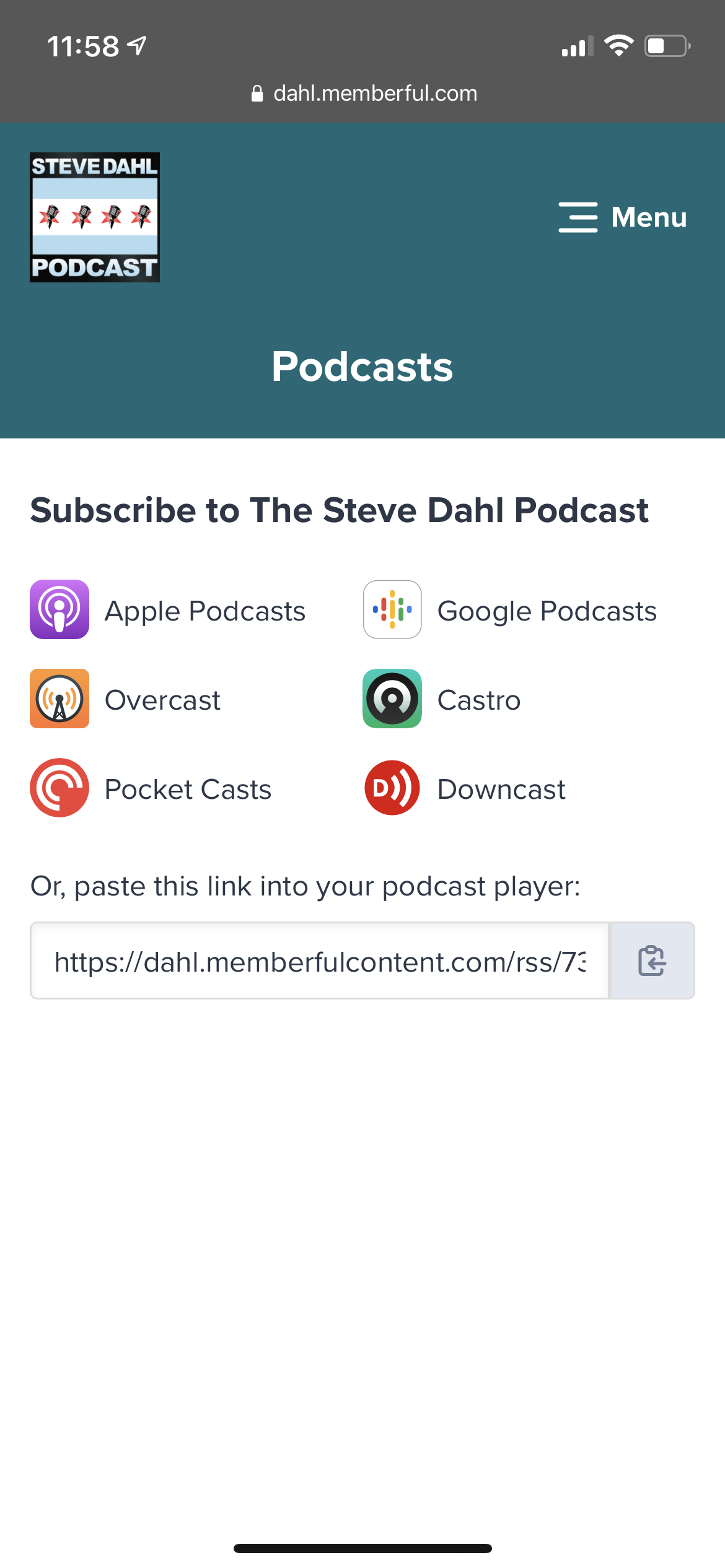
2. When logged into your Steve Dahl Podcast account on your phone, tap the copy button beside "paste this link into your podcast player".
3. Open the Google Music app on your phone.
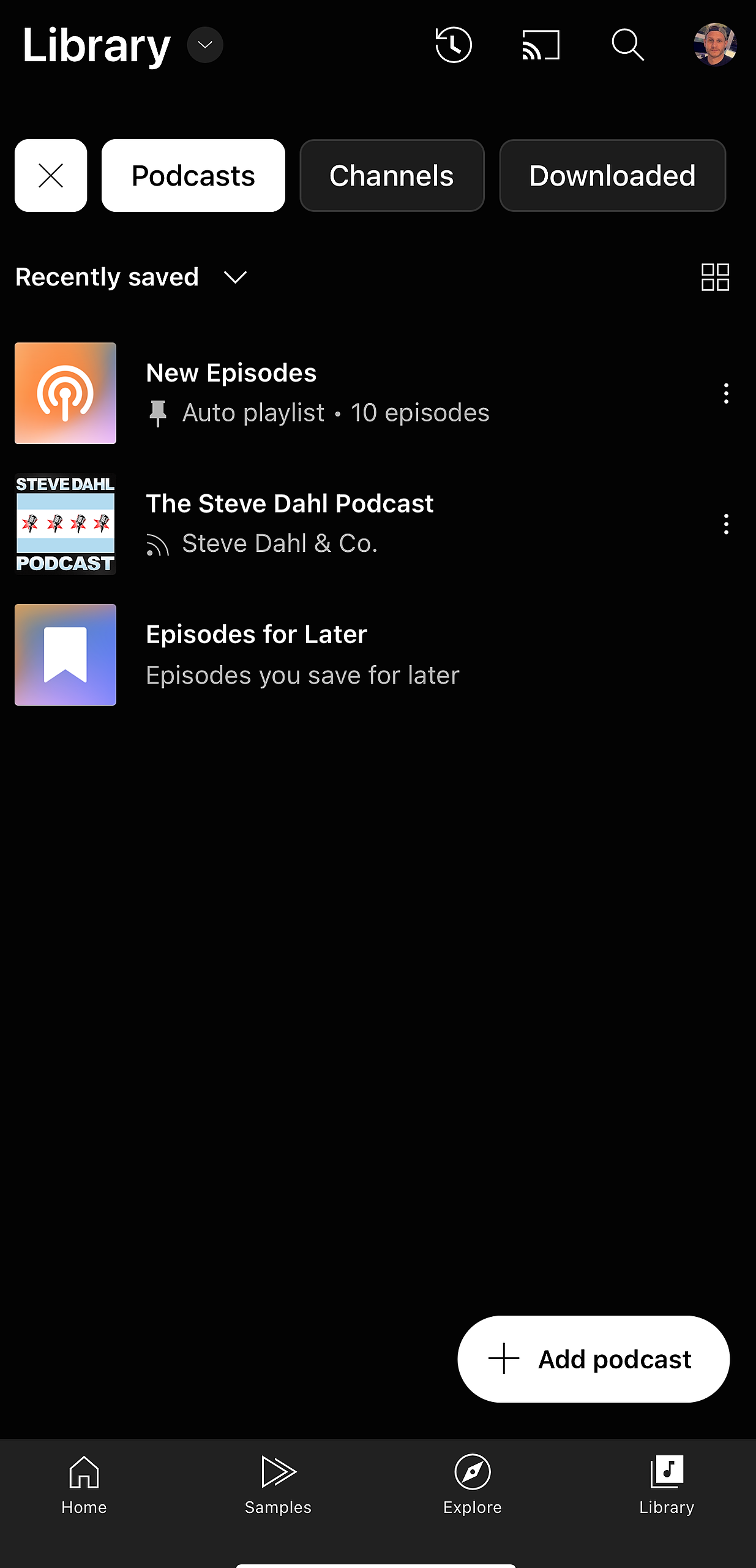
4. Tap Library (bottom navigation icon) and tap Podcasts (top navigation).
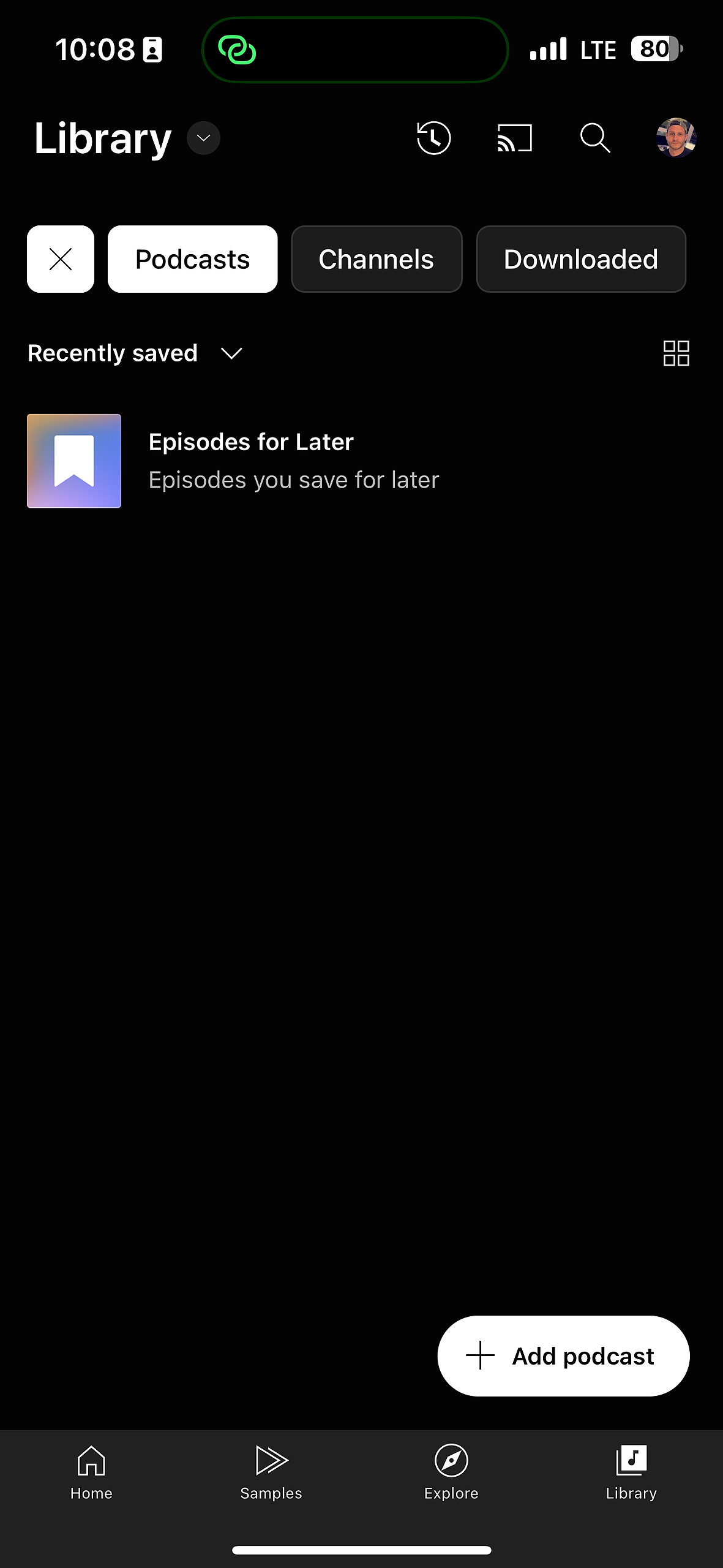
5. Tap the Add podcast button.
6. Tap Add a podcast by RSS feed.
7. Paste the feed URL you copied into the RSS feed URL field and click Add.
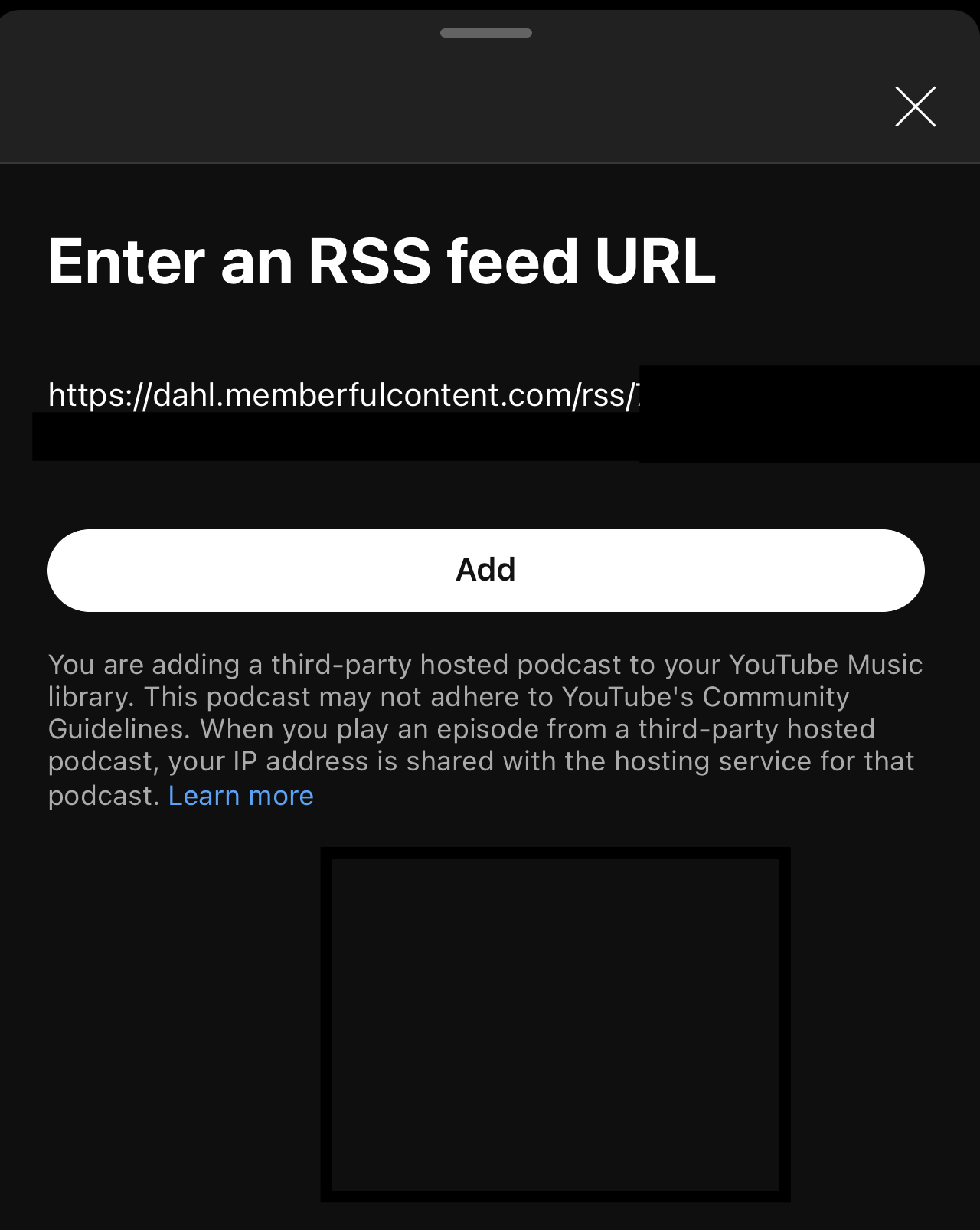
8. Pull down and release to refresh the screen. You should now see the Steve Dahl Podcast in your library.